A Personal Gift for Your Father-in-Law
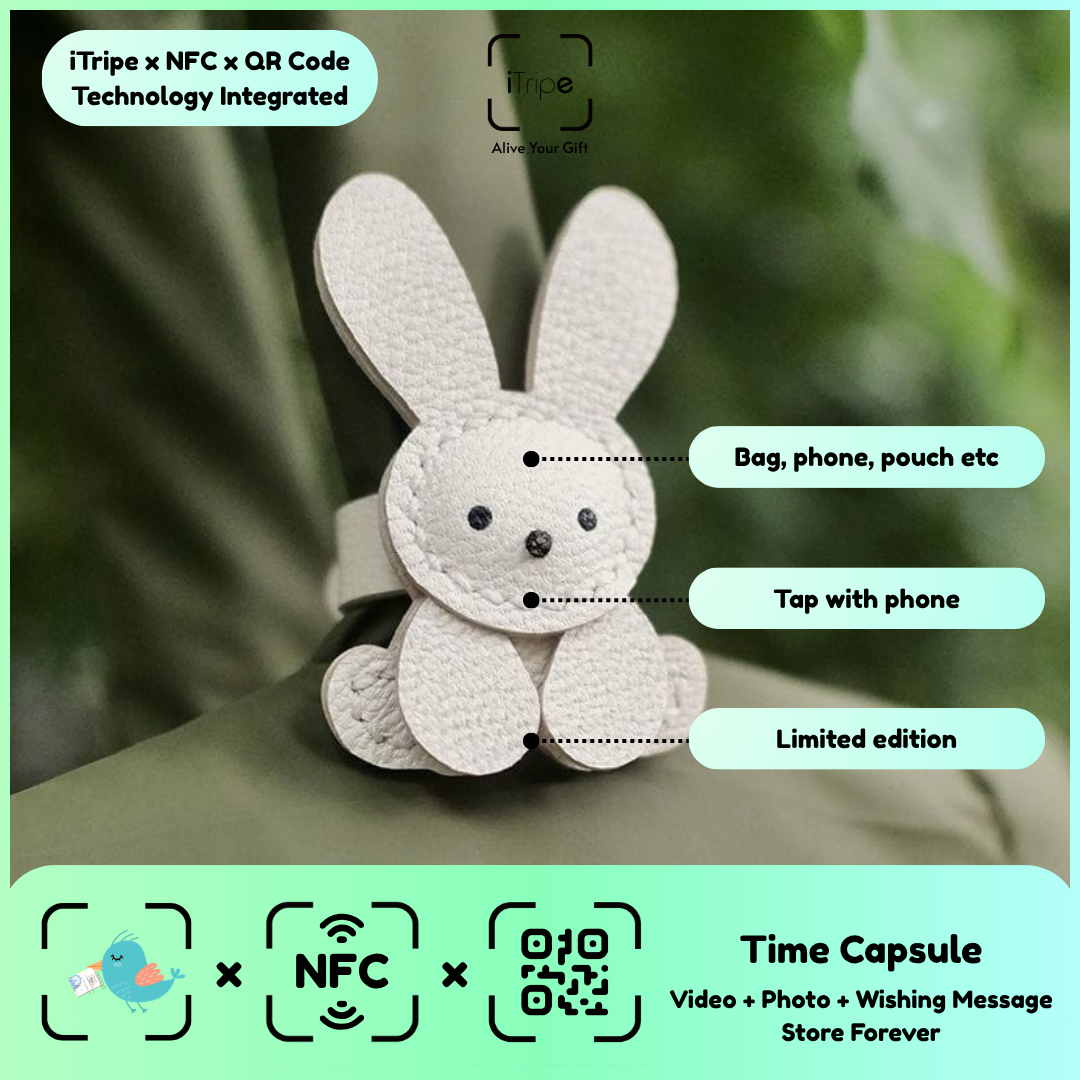
A personal gift for a father-in-law can begin with common ground: a project, a conversation, a meal or an interest you both enjoy. Choosing one specific memory gives you something genuine to say even if emotional speeches are not part of your usual conversations.
Choose the memory
Select a simple keepsake and a photo related to that common ground. Describe the detail you appreciated, such as his willingness to explain a hobby or include you in an activity. Make the thank-you proportionate to the moment.
Prepare a personal greeting
If a video feels too formal, record it as a brief friendly greeting. Mention the memory, say thanks and finish with something you look forward to doing together. An ordinary shared plan can make the gift feel connected to the present.
A message to adapt
I enjoyed hearing how you got started with that hobby. Thanks for taking the time to show me and answer all my questions.
Replace the details with your own experience and read the message aloud before saving it. A name, a recognisable moment and a clear thank-you are enough to make the words personal.
A detail worth checking
Do not assume interests based on age or family role. Let something you have actually shared guide the design and message.
Bring the story into an iTripe gift
An iTripe keepsake connects a physical gift with a personal digital message and media through its QR or NFC feature. Choose a design the recipient will enjoy, then check the product details and current activation instructions. Review the message, photo and video before confirming, and keep copies of your original files.
Explore iTripe gifts and visit the FAQ for activation guidance. Include a simple note inviting the recipient to scan the QR code or use NFC on a compatible phone when they are ready to open the memory.

