Choose a Memory Photo with a Busy Background
A meaningful photograph may contain distractions around its main subject. Before using it in a keepsake, consider whether the important people and details remain easy to see.
Give the story a clear shape
Inspect the image on a phone screen and use a separate edited copy if you make a crop. Check the background for private information and people who have not agreed to be included.
A detail to build on
Choose a crop that keeps the shared moment clear without changing what happened.
Choose what belongs in the memory
Keep the original file separately and avoid edits that misrepresent the scene.
Bring the idea into a personal keepsake
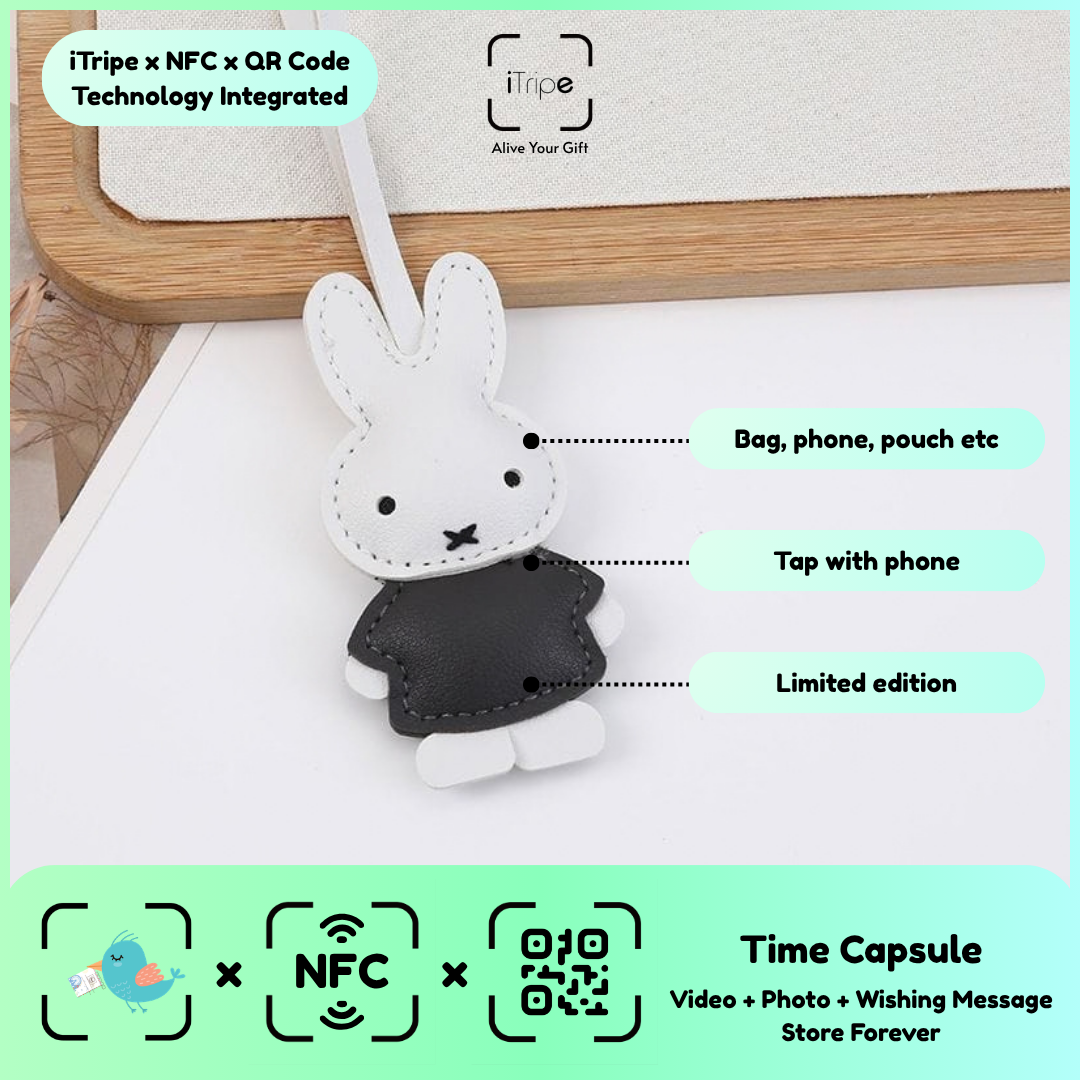
An iTripe keepsake connects a physical gift with a personal digital message and media through its QR or NFC feature. Use the idea above to choose a clear story, then prepare the words and files before activation. Check names, spelling and the selected media together so the complete experience reflects what you intend to share.
Browse the iTripe collection for current designs and product details. See the FAQ for activation guidance, and keep copies of your original photos, recordings and message in your own storage.

