Pairing a Souvenir with a Handwritten Travel Note
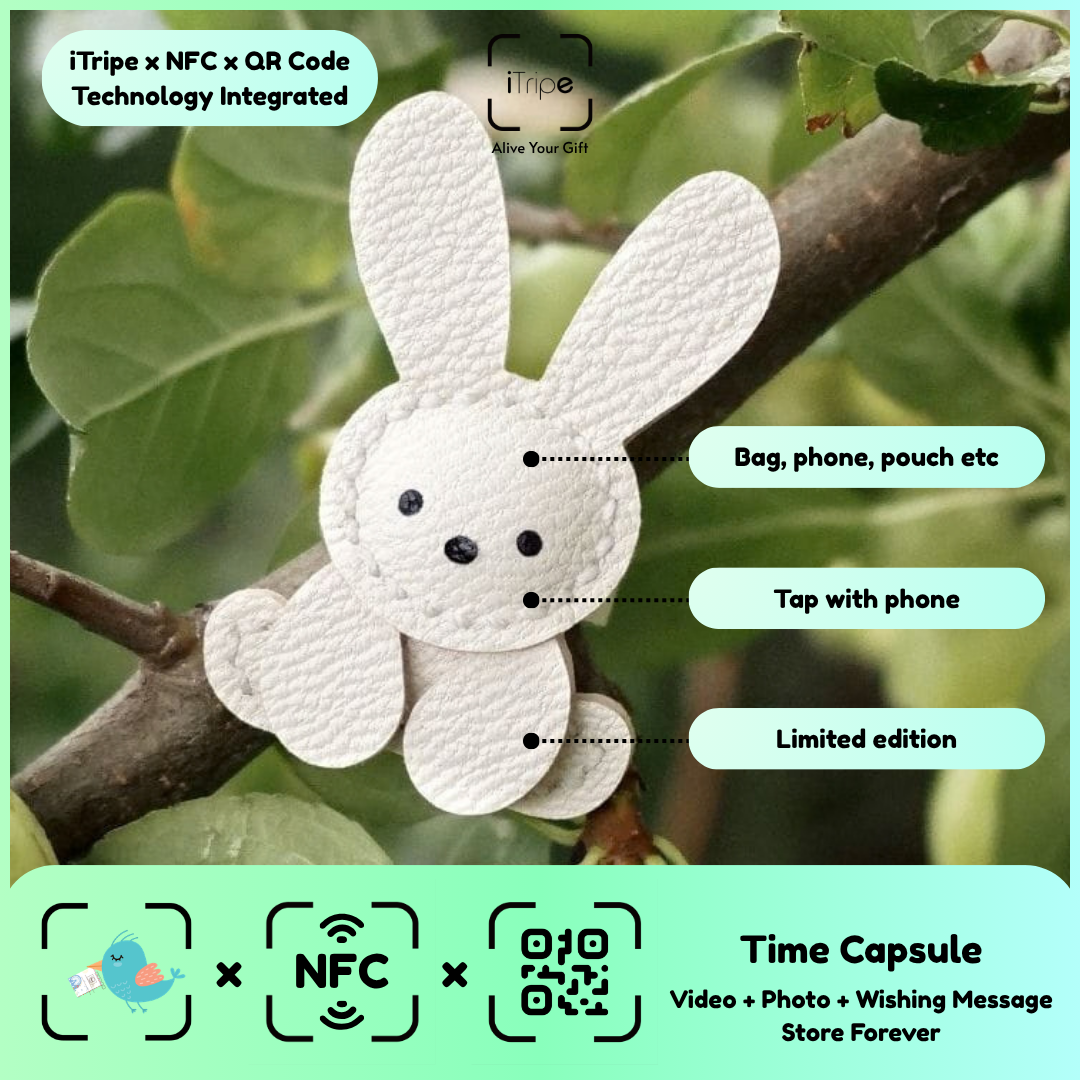
A handwritten note can introduce a connected keepsake before the recipient opens its digital memory. The physical note and the digital message can serve different purposes: one invites discovery, while the other tells the story in more detail.
Choose the story behind the souvenir
Keep the note short. Explain why you chose the souvenir and how to open the attached memory. Save the longer account for the digital message or video so the recipient does not read the same text twice.
A message to make your own
I brought back a little reminder of this journey for you. Scan the QR code when you have a moment to see the story behind it.
Use this example as a starting point, then replace the details with your own memory. A recognisable moment and a clear reason for sharing it will help the recipient understand the connection.
Before you prepare the gift
Do not include activation credentials or private information on a visible gift tag. Follow the product's current instructions for preparing and presenting it.
Connect your memory with an iTripe keepsake
An iTripe keepsake connects a physical souvenir with a personal digital message and media through its QR or NFC feature. Choose a design the recipient will enjoy and check the current product details. Prepare your message and media before activation, review the selected files, and keep the originals in your own storage.
Explore the iTripe collection and see the FAQ for current activation guidance. When presenting the souvenir, invite the recipient to scan the QR code or use NFC on a compatible phone to discover the memory.

