Choose the Right Photo and Video for a Souvenir Gift
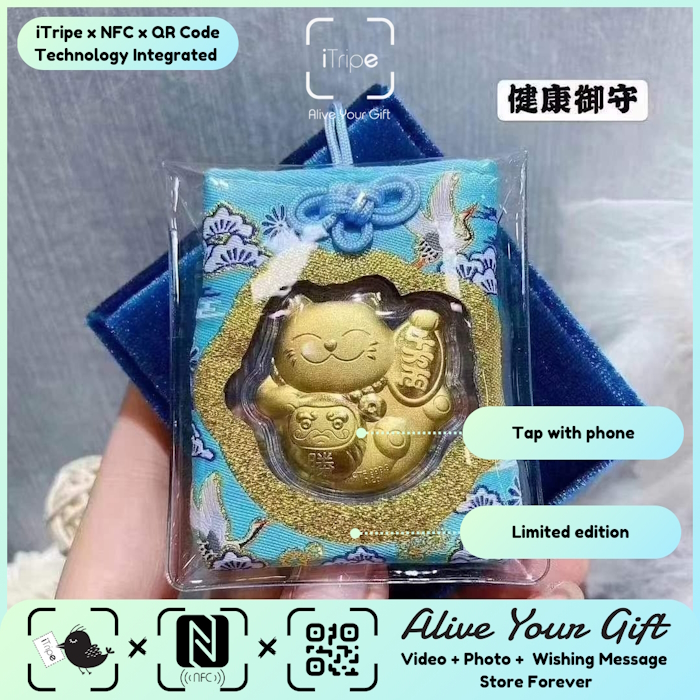
A useful starting point for souvenir gift photo and video is to focus on the recipient and the memory you want to share.
A souvenir gift feels more personal when its photo and video belong to the same story. You do not need perfect lighting or professional editing; a little care in choosing the files makes a real difference.
Choose a photo with a clear subject
Look for an image where the important person, place or object is easy to see. A familiar scene can be more meaningful than a technically perfect landscape with no story attached.
Open the image at full size before choosing it. Check that you selected the intended file, that it is not blurry and that no private detail appears in the background.
Record a short video that sounds like you
Find a quiet place, look toward the camera and speak to the recipient by name. A simple greeting and one personal thought are enough. You can record a few takes and choose the one that sounds most natural.
Watch the clip once with the sound on. Check that your voice is audible, the right person is addressed and the ending is complete. Follow any duration guidance shown in the activation page.
Make the written message and media work together
If your video already says “Happy birthday,” use the written message to tell the story behind the gift. If the photo shows the shared moment, use the video to say what you remember about it.
Avoid putting too much information into one element. A concise message, one relevant photo and a focused clip can be easier to enjoy than a long explanation.
A quick way to make it personal
Write a one-line caption for your chosen photo. If you cannot explain why it belongs with the video, choose a different photo or adjust the story so both pieces support the same idea.
Before you choose or activate
- Confirm the correct photo and video files are selected.
- Check audio, names, spelling and the clip ending.
- Get consent from anyone featured in the media.
- Save original files before activation.
iTripe connects a physical souvenir with a personal digital memory. Check the individual product page for current design, customization, pre-order and delivery details. The current activation guidance says content cannot be changed after activation, so review your choices carefully first.
Explore iTripe souvenirs, or see the FAQ and activation videos for help preparing a gift.

