How to Choose a Photo for a Personal Keepsake
The best photo for a personal gift is not always the most technically perfect one. A recognisable expression, setting or shared detail can matter more than a highly posed image.
A gift idea to build around
Compare a few photos and choose the one that connects most clearly to your message. Look at it on a phone screen, checking that the important people and details remain easy to see.
Before choosing the object, ask what you want the recipient to remember when they see it. Write the answer in one sentence. That gives you a clear basis for selecting a design and deciding which photo or recording belongs with the gift. You can leave out anything that does not support that central idea.
A message you can make your own
Use this example as a starting point and change the details to match your relationship:
This photo reminds me of the moment we finally stopped rushing and enjoyed the afternoon. That is why I chose it for you.
Personalise the example with a place, action or detail that really happened. Keep the words comfortable to say aloud. If you add a video, let your expression and voice carry the greeting rather than reading the written message exactly. A photo can show the scene while your words explain why you chose it.
What deserves extra care
Check permission from people shown and avoid private documents or identifying details in the background. Keep your original file separately.
Connect the keepsake with the story
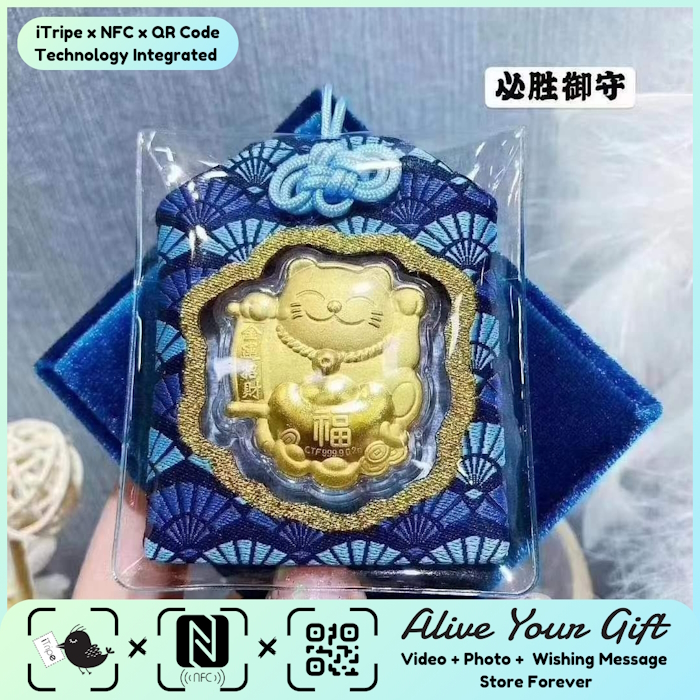
An iTripe gift connects a physical keepsake with a personal digital message and media through its QR or NFC feature. Check the selected product and the on-screen instructions for the available options. Prepare your content before activation so you can review the complete story without rushing.
Choose media you are comfortable sharing with the recipient and have permission to use. Play the video, inspect the photo and read the message once more before confirming. Save copies of the original files on your own device. When you present the gift, include a short explanation of how to open the attached memory.
A simple preparation checklist
- Choose a design that fits the recipient's taste and the occasion.
- Check current availability, product details and delivery options.
- Use a real memory and verify names, spelling and dates.
- Review the selected message and media before activation.
- Give the recipient time and space to enjoy the gift.
Explore iTripe gifts and choose a keepsake for your story. Visit the iTripe FAQ for current activation guidance.

