Check Which Gift You Are Holding Before Entering a Code
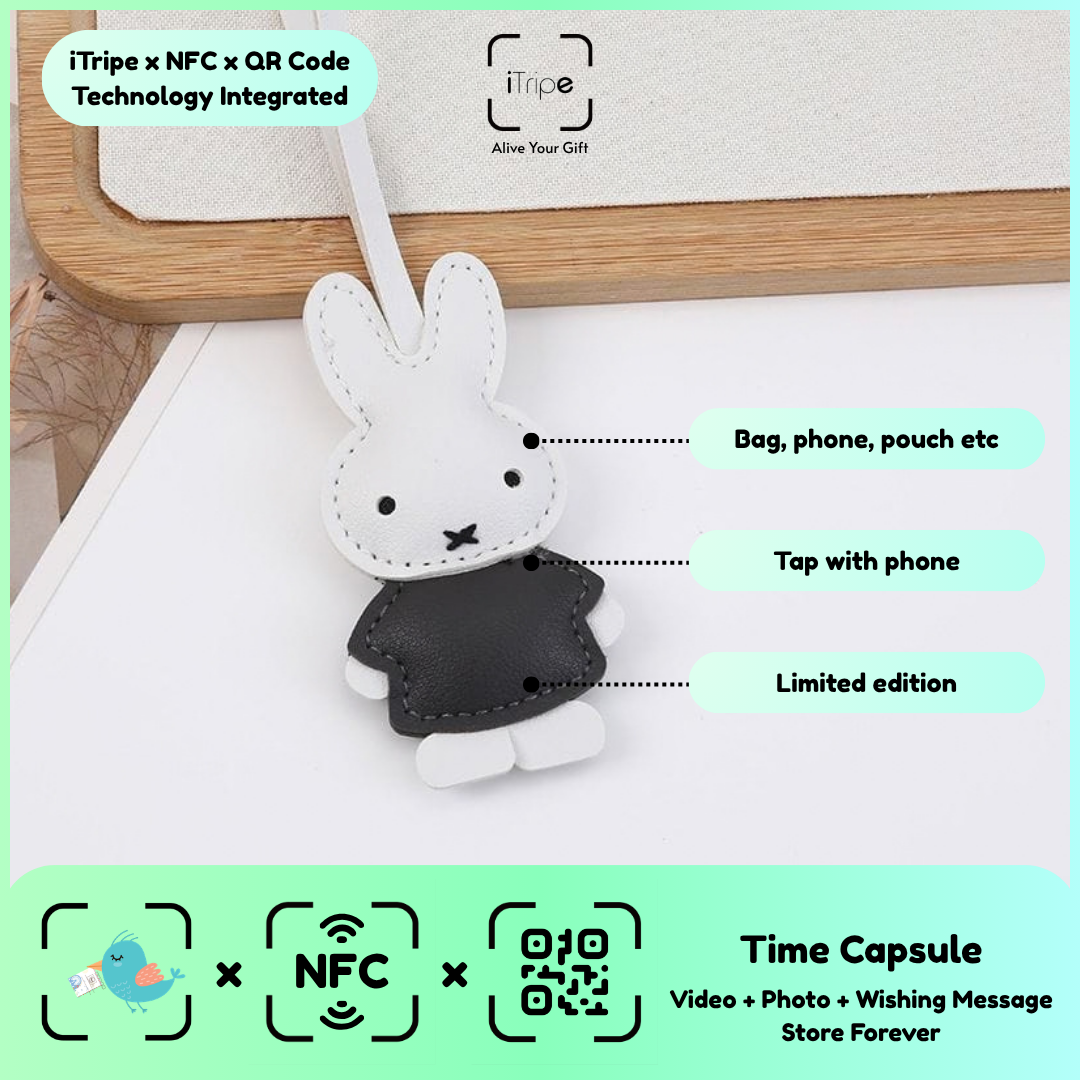
Matching the physical gift with its own activation information is especially important when several items look alike. A small pause before entering the code can prevent confusion.
What to do
Keep the item, its instructions and the intended content together. Follow the link from that gift and compare your preparation notes. Complete the review before confirming any final step.
A practical example
Work with one gift on the table and leave the other items packaged until their turn.
Before you continue
Do not try a code from another item if one is rejected. Contact official support about an unresolved mismatch.
Use the current instructions for your gift
Keep the physical gift and your prepared content together while you work. Follow the prompts shown for the item you are using, and pause if the outcome of a step is unclear. Save your original message and media separately so you can identify exactly what you intended to use.
For current instructions and official support links, visit the iTripe FAQ. This guide focuses on preparation and use; the live form provides the available options and requirements for your gift.

