Make a Private Record of Your Completed Gift Preparation
A simple private record can help you remember which content belonged to which gift, especially when preparing several. It can also make a later support question easier to explain accurately.
Read Article
Keep the Sender's Voice in a Family-Assisted Video
A family member can help record a greeting while letting the sender speak in their own way. The result should feel comfortable rather than overly scripted or corrected.
Read Article
Prepare a Clear Screenshot for an iTripe Support Question
A screenshot can help support understand a visible error, but it should show only what is relevant. Reviewing it before sending can prevent unnecessary exposure of personal gift content.
Read Article
Check Which Gift You Are Holding Before Entering a Code
Matching the physical gift with its own activation information is especially important when several items look alike. A small pause before entering the code can prevent confusion.
Read Article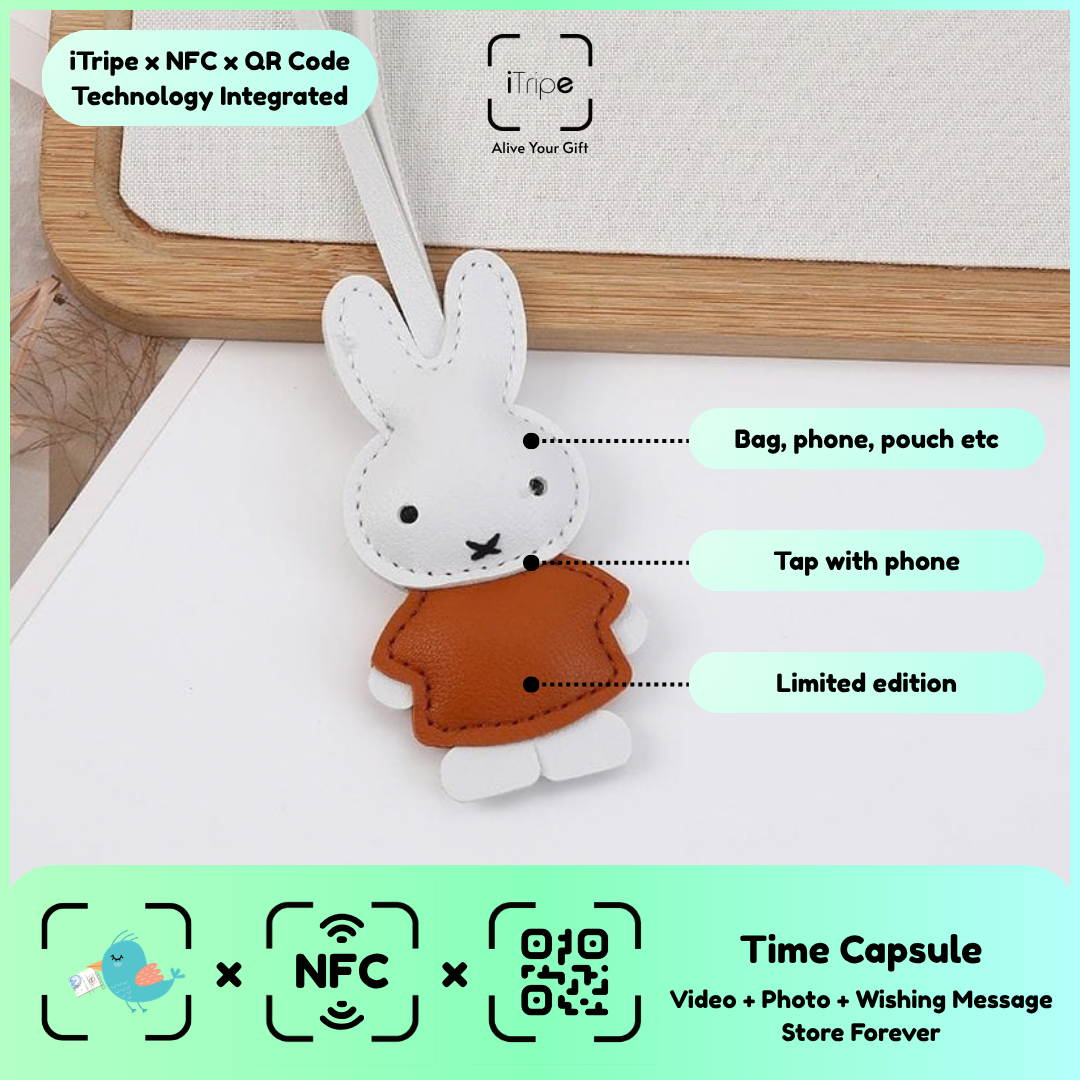
Explain What an iTripe Gift Holds in One Sentence
A concise introduction can help someone understand a connected keepsake immediately. The sentence should link the physical gift with the personal message you prepared, without turning the handover into a technical explanation.
Read Article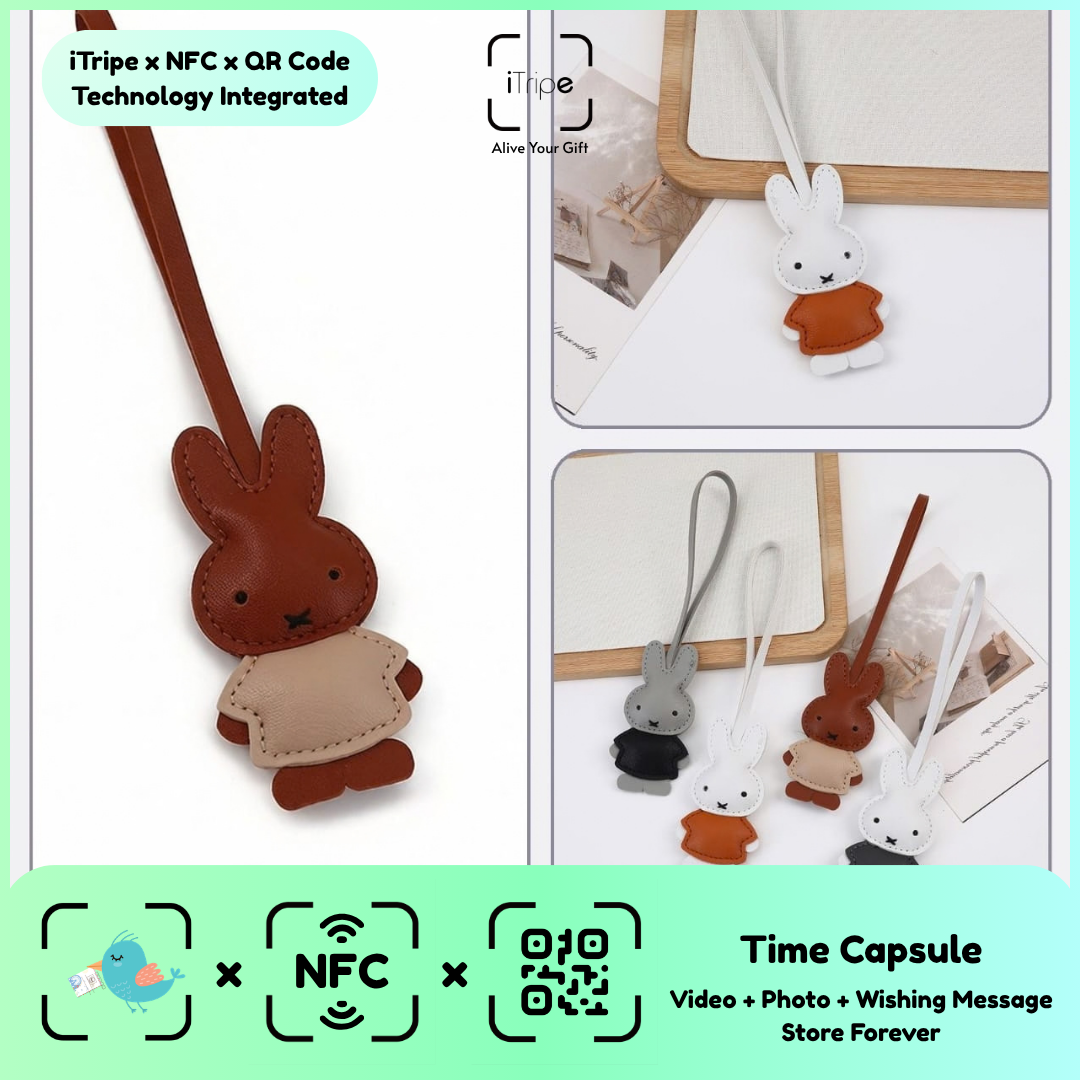
Prepare an Activated iTripe Gift for Posting
Posting a prepared gift means the recipient will rely on the item and accompanying note to understand the experience. Review both the digital content and physical presentation before sending it.
Read Article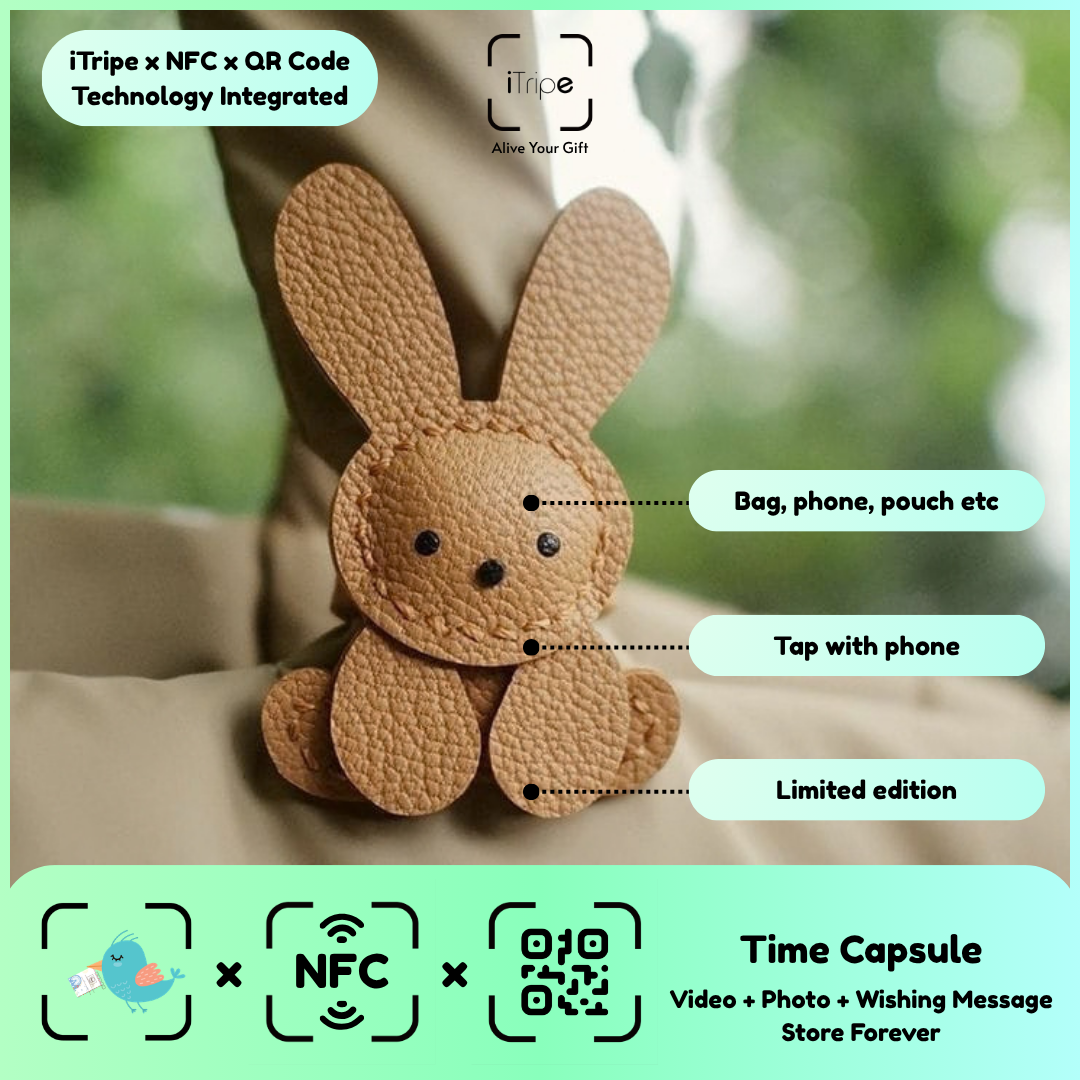
Give an iTripe Gift During a Busy Celebration
A busy celebration may not be the best moment to play a personal video or read a thoughtful message. The handover can still be meaningful with a short explanation and an invitation to open it later.
Read Article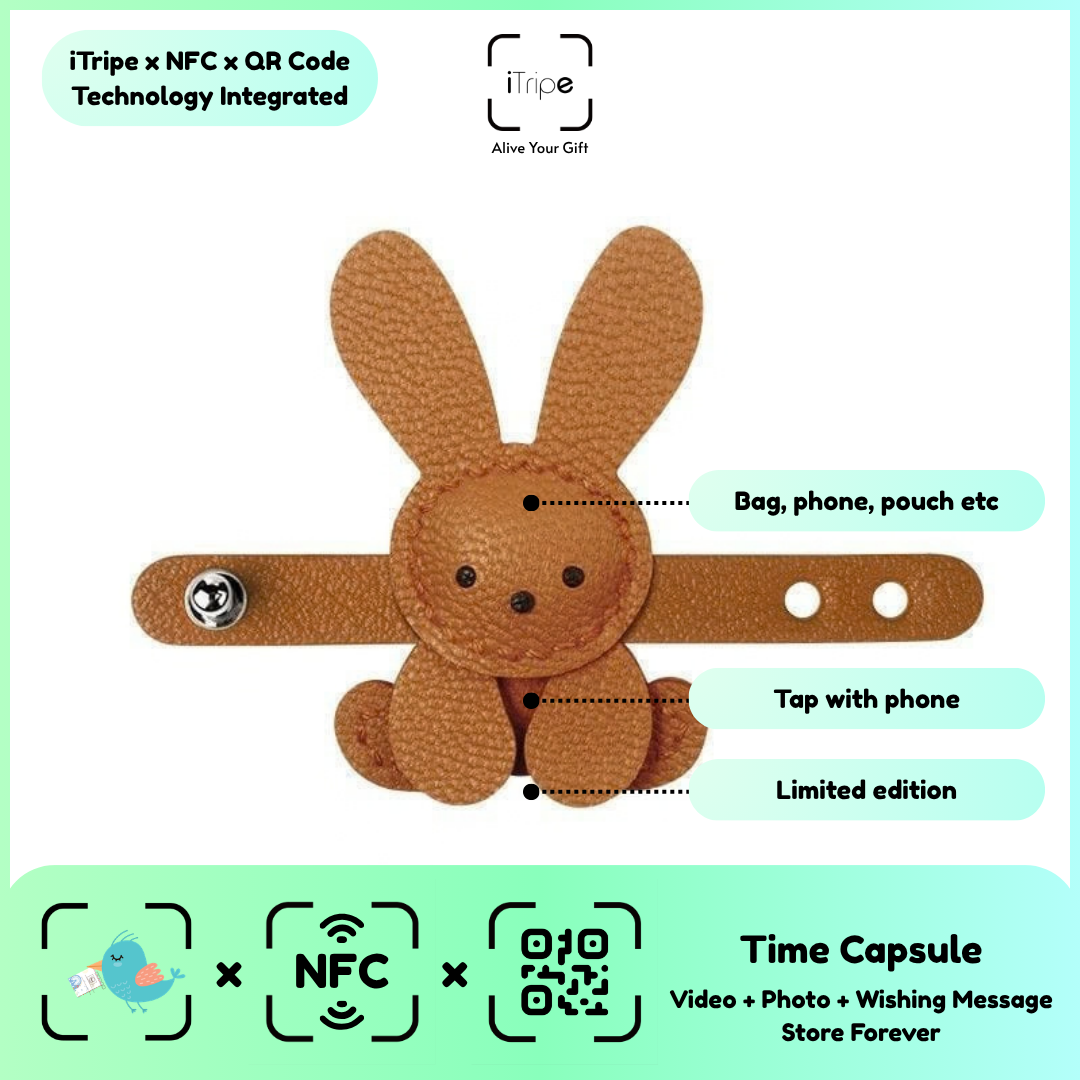
Explain iTripe to a Recipient Who Has Never Used NFC
A recipient does not need to understand NFC terminology to enjoy a connected gift. A simple explanation of the available opening methods can make the experience approachable.
Read Article
Recognise an Unclear Final Submission Outcome
Sometimes a page's response can leave you unsure whether a final step completed. The next useful action is to establish the outcome, rather than assuming failure or success.
Read Article
Keep Activation Information Out of Gift Photographs
Photographs taken while preparing a gift can accidentally show codes or other information that does not belong in the personal memory. Checking the background is part of reviewing the media.
Read Article
Use an Existing Video as Part of an iTripe Memory
An existing video can bring back a real moment, but it deserves a full review before use. Background conversations, other people and private details may be less obvious than the main scene.
Read Article
Prepare an iTripe Gift with a Family Photo from Someone Else
A relative may have the best photograph for a gift, but access to a file does not automatically mean everyone shown agrees to its use. A clear permission check helps keep the memory comfortable.
Read Article
Help Someone Prepare an iTripe Gift Without Taking Over
Helping another person prepare a gift can make the process easier while preserving their own voice and choices. The final content should still be something they understand and approve.
Read Article
Review the Gift's Details After Copying a Message
Copying a message into a form can introduce missing lines, extra spaces or an incomplete selection. A quick comparison helps ensure the version on the page matches the one you prepared.
Read Article
Plan an iTripe Upload When Your Connection Is Unstable
An unreliable connection can interrupt a media upload and make its outcome unclear. Preparing your files and wording in advance lets you wait for a more suitable moment to complete the process.
Read Article
Prepare iTripe Content on a Device with Limited Storage
Selecting and preparing media can be easier when the device has room to open and save the final files. A little organisation before activation can reduce interruptions while you work.
Read Article
Check Autofilled Information in an iTripe Form
A browser may suggest information from previous use, but that does not mean it belongs to the current gift. Reviewing every requested field helps prevent an unrelated name or address from being submitted.
Read Article
Keep a Separate Draft While Preparing an iTripe Message
Working on a separate draft can make wording easier to refine and protect your progress if you leave the form. Your own saved note is useful even when the website displays the text correctly.
Read Article
Remove Placeholder Text from an iTripe Greeting
A draft may contain a temporary name, unfinished sentence or instruction to yourself. A final review should catch those placeholders before they become part of the gift.
Read Article
Review Names with Accents or Special Characters
A person's name deserves careful spelling, including any accents or characters they use. Reviewing the displayed form can help you catch an incorrect paste or unwanted substitution before confirmation.
Read Article
Prepare an iTripe Message in the Recipient's Preferred Language
The personal message should be written in language the recipient can comfortably understand. Preparing the wording yourself gives you control over the tone and meaning before activation.
Read Article
Choose File Names That Make Gift Preparation Easier
Clear file names can help you choose the intended media when several gifts or versions are involved. The names are a preparation aid; the content itself still needs a full review.
Read Article
Review a Photo After Cropping It for a Gift
Cropping can make a photo clearer, but the exported copy should still tell the intended story. Important faces, objects or context can be lost during a quick edit.
Read Article
Test an iTripe Greeting's Sound on Ordinary Speakers
A recording that sounds clear through headphones may be harder to hear on a phone speaker in an everyday setting. A simple playback check helps you judge whether the words are easy to follow.
Read Article
Check the First and Last Seconds of a Gift Video
The beginning and end of a recording can contain accidental movement, unfinished words or private conversation. A complete playback helps you notice those details before the video becomes part of the gift.
Read Article
Check Video Orientation Before Preparing Your iTripe Gift
A video can be difficult to enjoy if its image is sideways or important details are outside the frame. Reviewing it before upload gives you a chance to prepare a clearer final file.
Read Article
Identify the Final Video Version Before Uploading
Several takes of a greeting can look similar in a file list. Checking the actual video before selecting it helps prevent an unfinished or mistaken version from becoming part of the gift.
Read Article
Get Cloud-Stored Media Ready for an iTripe Upload
A photograph or video shown in a cloud album may need to be made available on the device before you can select it through a website's upload control. Preparing the file first can make the activation process easier.
Read Article
Use One Active Gift Form While Preparing iTripe Content
Several open browser tabs can make it difficult to know which gift or version you are editing. A simple workspace helps you review the intended content and recognise the outcome of each step.
Read Article
Prepare Several iTripe Gifts One at a Time
When preparing several iTripe gifts, each physical item needs to stay connected with its intended recipient and content. A clear working order can prevent a correct message from being assigned to the wrong gift.
Read Article
Keep Your Original iTripe Gift Media Organised
A connected keepsake makes a memory convenient to revisit, while your own copies preserve the files you prepared. Keeping the originals organised also makes it easier to identify the exact content you selected.
Read Article
Prepare Useful Details When Contacting iTripe Support
A clear support request can help explain what happened without forcing you to repeat the whole process. Record the visible message, the step you were on and the device or browser you used.
Read Article
Explain a Future Wishing Message Without Confusing the Recipient
A scheduled wishing message works best when the recipient understands that part of the gift is intended for a later moment. A brief physical note can explain the plan without revealing the words you prepared.
Read Article
Choose Instant or Future for the Wishing Message
The iTripe FAQ describes Instant and Future options for the wishing message. Choose according to when you want those words to become visible. Think about the recipient's opening experience before making the selection.
Read Article
Make Your iTripe QR Code Easy to Scan
A QR code is easier to scan when the full pattern is visible and the camera can focus on it. Packaging, glare or movement can make an otherwise readable code harder to use.
Read Article
Use the QR Code When NFC Is Not Convenient
QR and NFC provide two ways to open the gift's link. Which feels easier can depend on the recipient's phone and familiarity with the feature. A clear explanation of both options can help them begin.
Read Article
Introduce an Activated iTripe Gift to Its Recipient
After activation, the recipient can use the gift's QR or NFC feature to discover the prepared memory. A simple introduction helps them understand that the physical keepsake has a personal digital part.
Read Article
Why Content Review Matters Before iTripe Activation
The iTripe FAQ states that content cannot be changed after activation. That makes preparation and review especially important. Treat the final confirmation as the point at which your selected story needs to be ready.
Read Article
Give the Final Activation Review Your Full Attention
The final review is the moment to slow down and inspect the gift as a complete experience. Text, recipient details, timing and media should all match your intention. A few deliberate checks can catch mistakes before they become permanent.
Read Article
What to Check When an iTripe Upload Does Not Finish
An upload that does not finish needs a clear observation before you try to solve it. Note what the page shows and whether the file can be opened normally on your device. This can help you describe the problem accurately.
Read Article
Check the Selected File Before Submitting an Upload
Phones and computers can contain several versions of the same photo or video. Checking the actual selected file helps prevent an unfinished edit or unrelated image from becoming part of the gift.
Read Article
Choose a Clear Photo for Your iTripe Message
The photo you choose should help the recipient recognise the memory. A technically impressive image is not essential, but the important people or details should be visible. Look at the picture on a phone before selecting it.
Read Article
Record Clear Sound for Your iTripe Video
A personal greeting is easier to enjoy when the recipient can hear the words clearly. You do not need elaborate equipment to improve the recording; a quiet setting and a short test can make a practical difference.
Read Article
Plan a Brief iTripe Video Greeting
The iTripe FAQ recommends a short video greeting of about 10 to 15 seconds. That length encourages a clear, direct message. It is a recommendation for your greeting, not a substitute for checking the form's current upload requirements.
Read Article
Review a Wishing Message Before You Confirm It
A wishing message should be clear when the recipient opens it without you there to explain. A short review can catch missing words, an unintended tone or a reference that needs context.
Read Article
Make an AI Wishing Message Sound Like You
iTripe's AI message feature can provide a starting draft for a wishing message. The personal value comes from reviewing that draft and making sure it reflects your own relationship and experience.
Read Article
Check Recipient Details Before Activating an iTripe Gift
Names and other requested details deserve the same attention as the message itself. A small spelling error can become distracting in an otherwise thoughtful gift. Reviewing those fields before confirmation is part of preparing the experience.
Read Article
Prepare Your Message and Media Before Opening the Form
Preparing the content first can make the activation process calmer. You can spend time choosing words and checking files without also trying to complete the form. The final gift will be easier to review as one coherent story.
Read Article
Understand the Role of Your iTripe Unlock Code
The unlock code supplied with an iTripe gift is part of its activation process. Treat it as information needed to prepare that specific item. Read the instructions on the gift and the activation page before entering it.
Read Article
Start Your iTripe Gift from Its QR Code or NFC Tag
The physical iTripe gift is the starting point for preparing its digital memory. Open the gift's own QR or NFC link, then follow the instructions shown for that item. This helps you begin with the correct gift rather than an unrelated page.
Read Article
