Give the Final Activation Review Your Full Attention
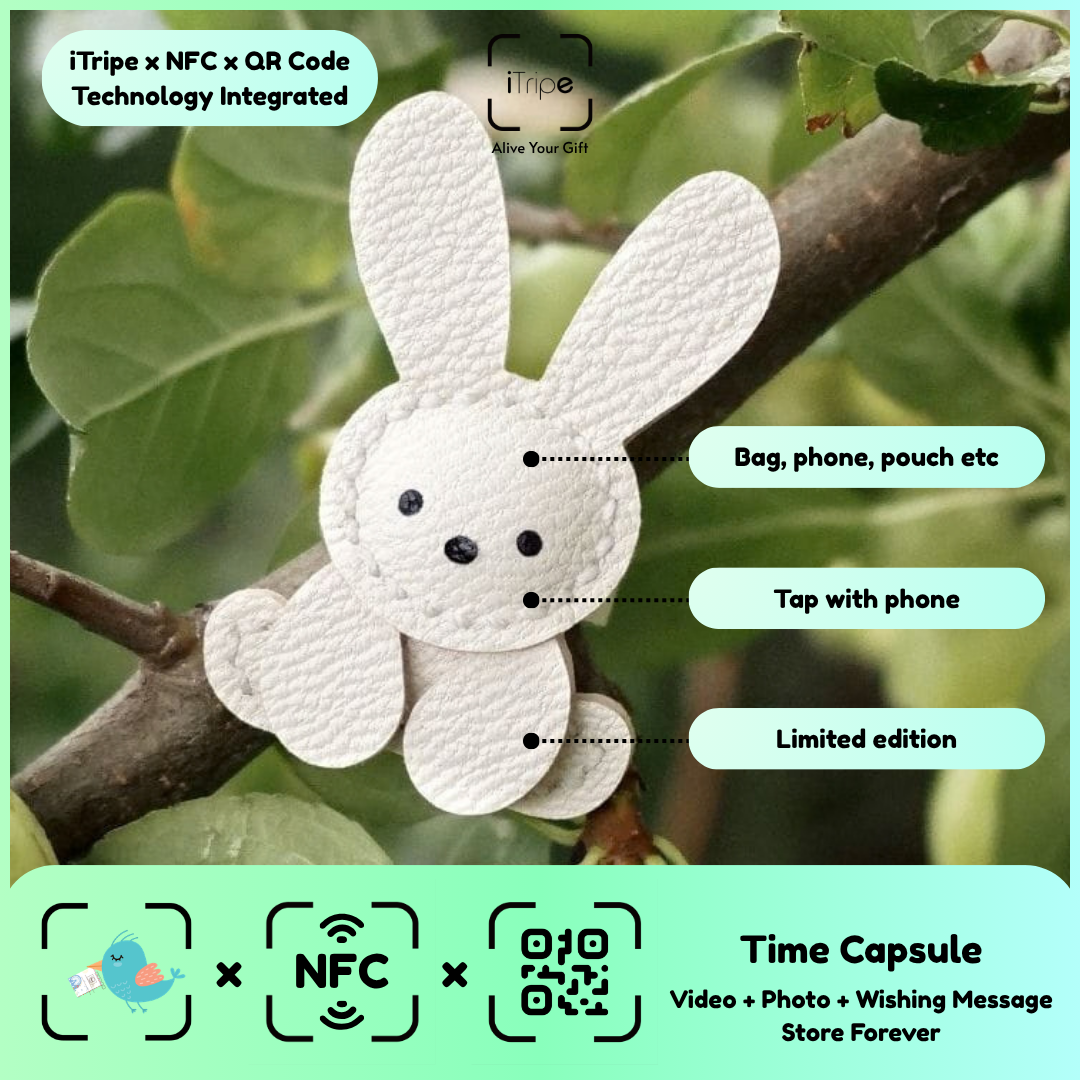
The final review is the moment to slow down and inspect the gift as a complete experience. Text, recipient details, timing and media should all match your intention. A few deliberate checks can catch mistakes before they become permanent.
What to do
Read the form from top to bottom. Play the selected video if available, inspect the photo and compare the wishing message with your saved version. Confirm that you are working on the correct physical gift.
A practical example
Review one gift fully before moving to the next item when preparing several presents.
Before you continue
The official FAQ says activated content cannot be edited. Complete any corrections before you confirm activation.
Use the current instructions for your gift
Keep the physical gift and your prepared content together while you work. Follow the prompts shown for the item you are using, and pause if the outcome of a step is unclear. Save your original message and media separately so you can identify exactly what you intended to use.
For current instructions and official support links, visit the iTripe FAQ. This guide focuses on preparation and use; the live form provides the available options and requirements for your gift.

