Use the QR Code When NFC Is Not Convenient
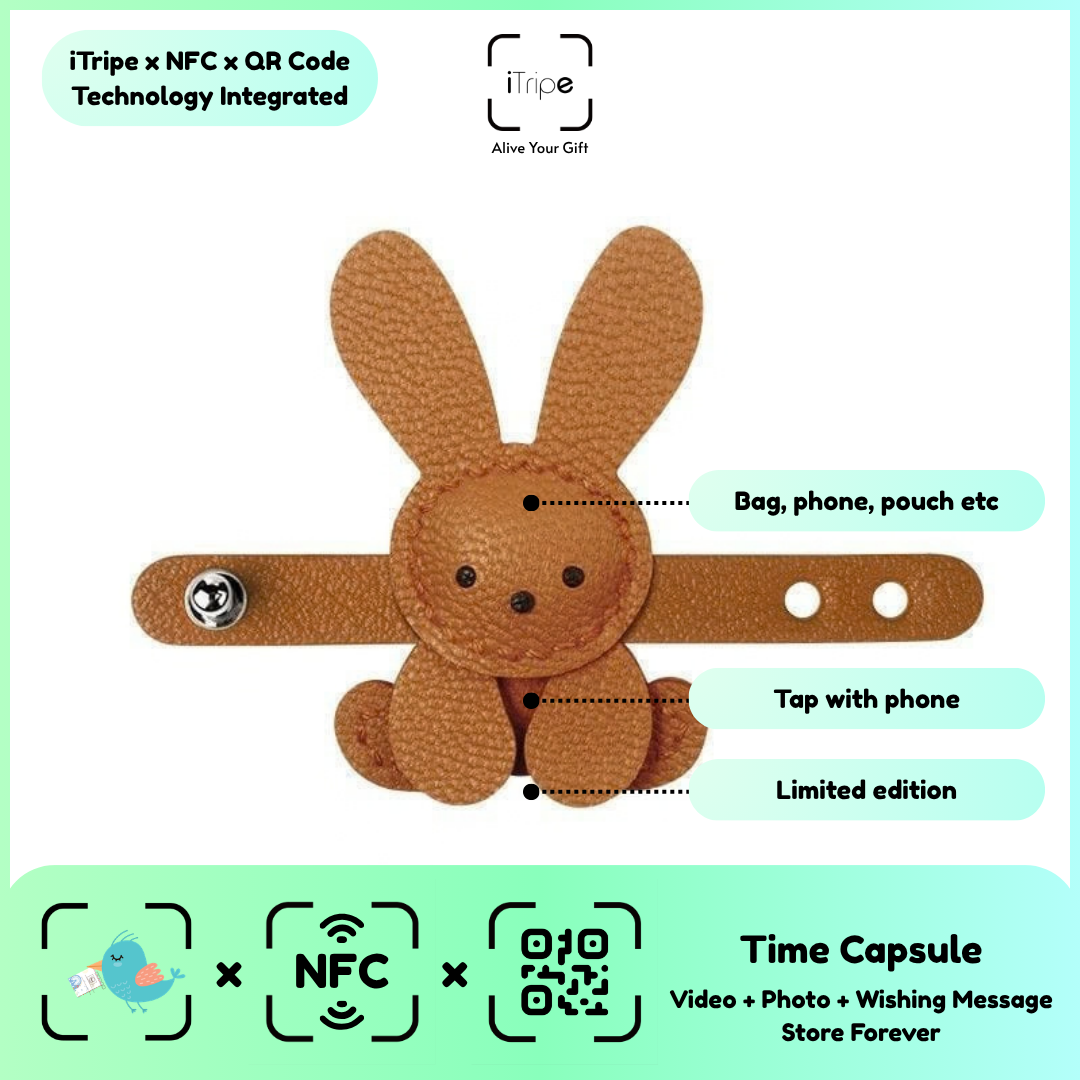
QR and NFC provide two ways to open the gift's link. Which feels easier can depend on the recipient's phone and familiarity with the feature. A clear explanation of both options can help them begin.
What to do
If NFC is not convenient, try scanning the visible QR code using an appropriate camera or scanning feature. Follow the link shown for the gift and allow the page to load. Consult the phone's own guidance if needed.
A practical example
Include a short note that mentions scanning the QR code, so the recipient is not dependent on knowing how NFC works.
Before you continue
Do not promise that NFC behaves identically on every phone. Avoid changing device security settings simply to open a gift link.
Use the current instructions for your gift
Keep the physical gift and your prepared content together while you work. Follow the prompts shown for the item you are using, and pause if the outcome of a step is unclear. Save your original message and media separately so you can identify exactly what you intended to use.
For current instructions and official support links, visit the iTripe FAQ. This guide focuses on preparation and use; the live form provides the available options and requirements for your gift.

