Introduce an Activated iTripe Gift to Its Recipient
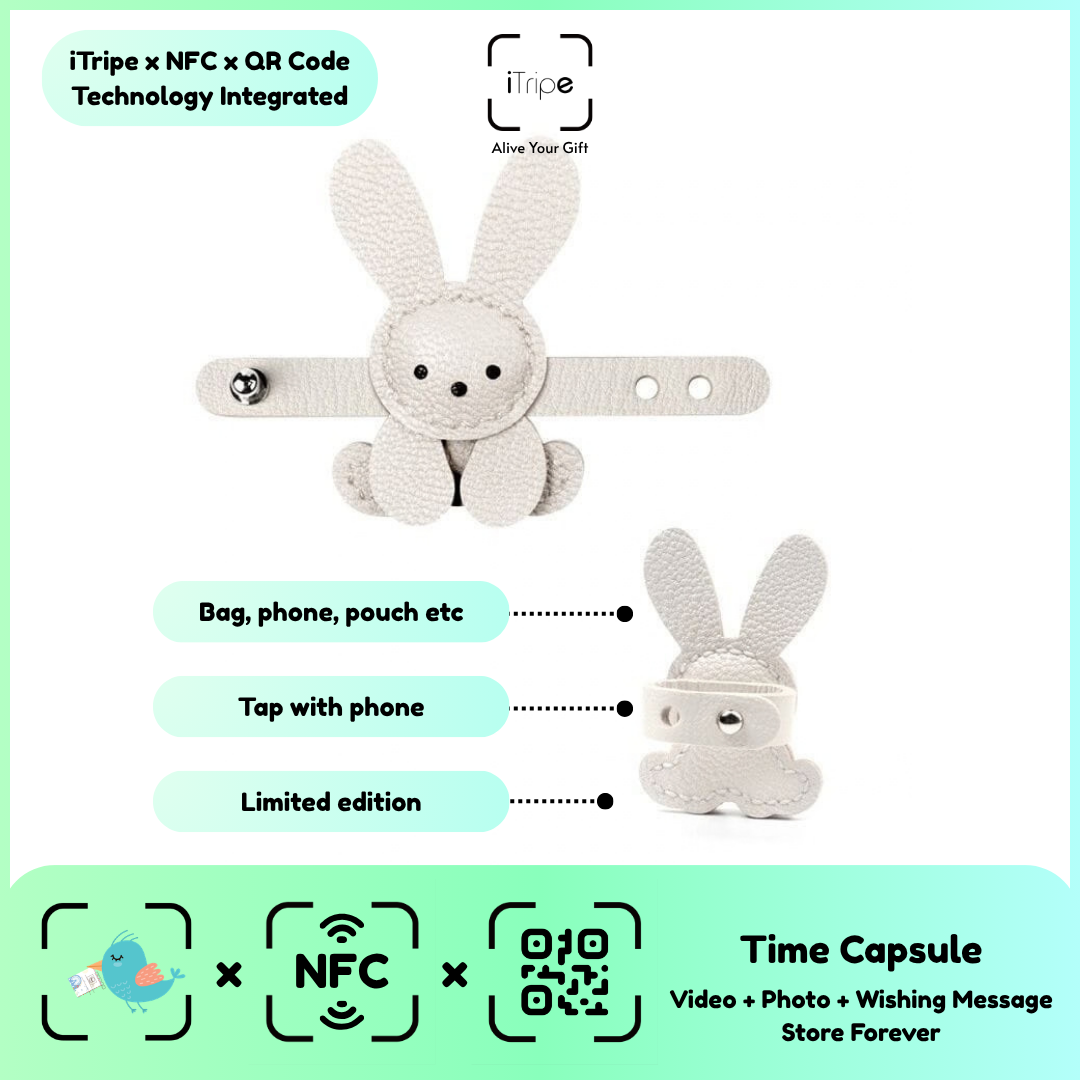
After activation, the recipient can use the gift's QR or NFC feature to discover the prepared memory. A simple introduction helps them understand that the physical keepsake has a personal digital part.
What to do
Give or send the gift with a short note explaining why you chose it. Invite the recipient to open the memory when they have a comfortable moment. Let the digital content tell the longer story.
A practical example
There is a little memory attached to this keepsake. Scan the QR code when you have a moment to enjoy it.
Before you continue
Avoid requiring a public reaction or recording the recipient without permission. Give them space to enjoy the message privately.
Use the current instructions for your gift
Keep the physical gift and your prepared content together while you work. Follow the prompts shown for the item you are using, and pause if the outcome of a step is unclear. Save your original message and media separately so you can identify exactly what you intended to use.
For current instructions and official support links, visit the iTripe FAQ. This guide focuses on preparation and use; the live form provides the available options and requirements for your gift.

