Keep Activation Information Out of Gift Photographs
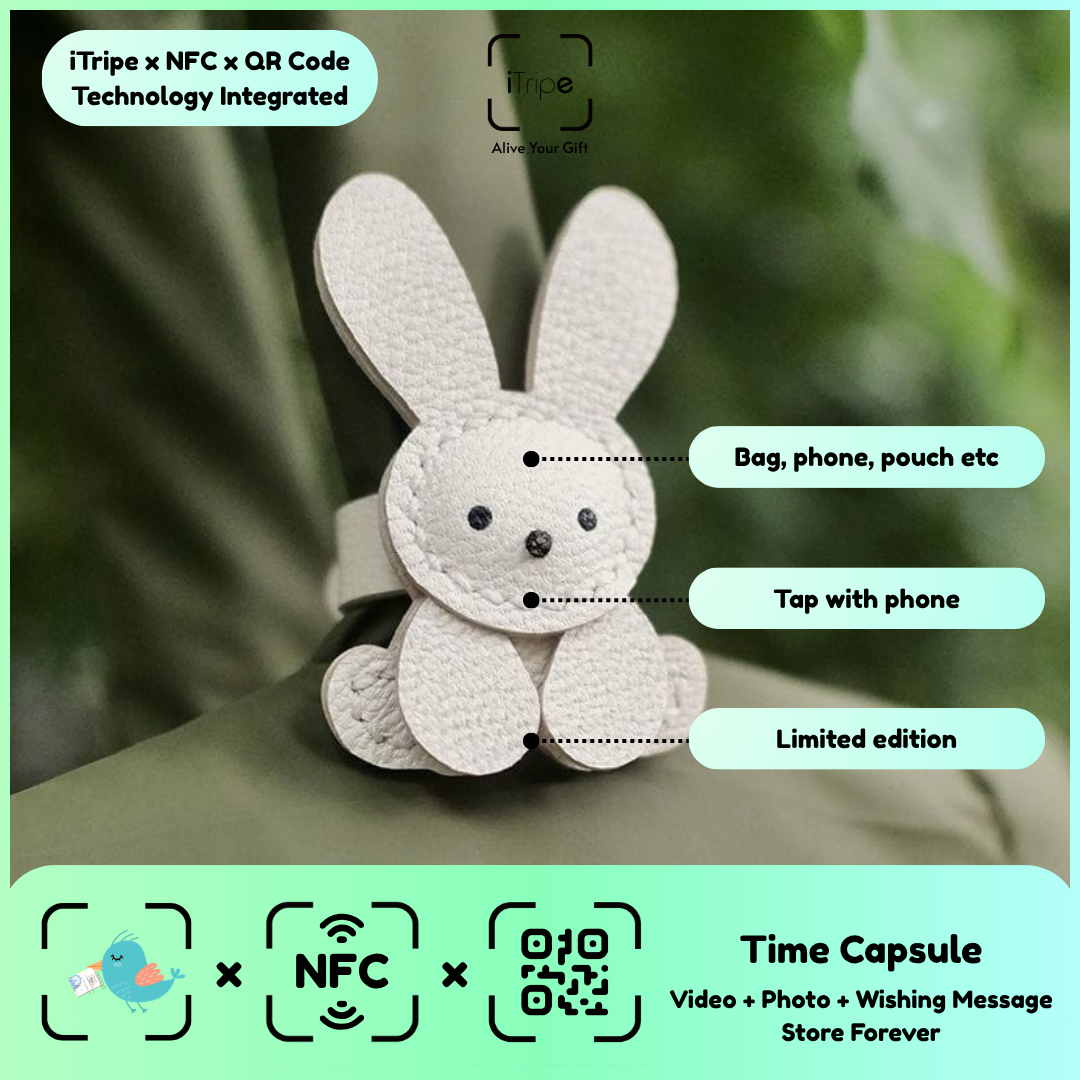
Photographs taken while preparing a gift can accidentally show codes or other information that does not belong in the personal memory. Checking the background is part of reviewing the media.
What to do
Inspect images for the gift's unlock information, documents, screens and labels. Choose another photo or prepare an appropriate separate crop when needed. Keep the functional tag available for normal use without exposing private activation details.
A practical example
Photograph the gift presentation from an angle that does not reveal the unlock code.
Before you continue
Do not publish activation information in social posts or include it in a publicly visible support comment.
Use the current instructions for your gift
Keep the physical gift and your prepared content together while you work. Follow the prompts shown for the item you are using, and pause if the outcome of a step is unclear. Save your original message and media separately so you can identify exactly what you intended to use.
For current instructions and official support links, visit the iTripe FAQ. This guide focuses on preparation and use; the live form provides the available options and requirements for your gift.

