Plan an iTripe Upload When Your Connection Is Unstable
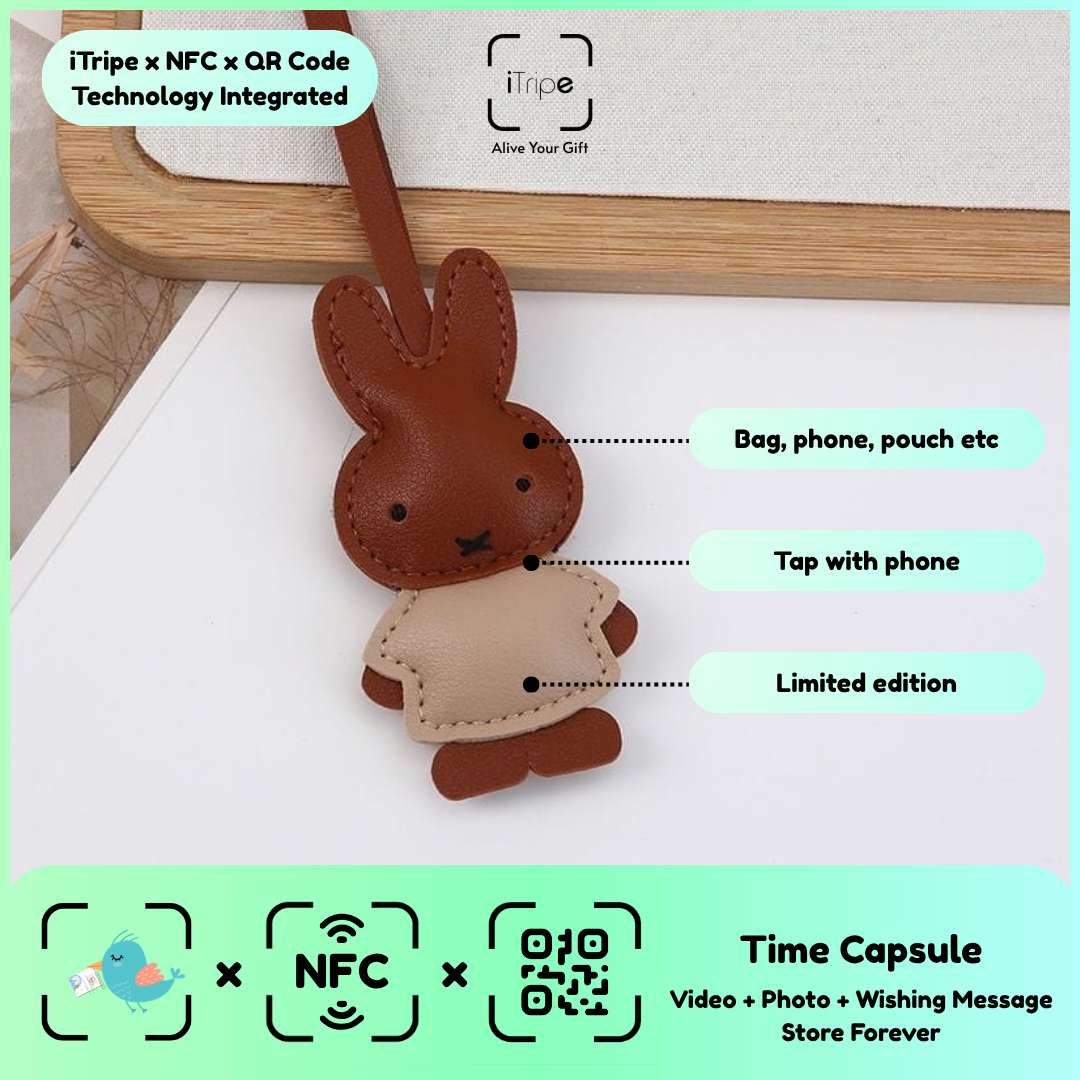
An unreliable connection can interrupt a media upload and make its outcome unclear. Preparing your files and wording in advance lets you wait for a more suitable moment to complete the process.
What to do
Keep local copies of the final content and read the form's status messages carefully. If an upload or submission does not clearly complete, note what happened instead of repeatedly pressing the same button.
A practical example
Use a stable connection and allow the displayed upload step to finish before moving on.
Before you continue
If you cannot tell whether activation succeeded, ask support how to proceed before attempting it again.
Use the current instructions for your gift
Keep the physical gift and your prepared content together while you work. Follow the prompts shown for the item you are using, and pause if the outcome of a step is unclear. Save your original message and media separately so you can identify exactly what you intended to use.
For current instructions and official support links, visit the iTripe FAQ. This guide focuses on preparation and use; the live form provides the available options and requirements for your gift.

