Prepare Several iTripe Gifts One at a Time
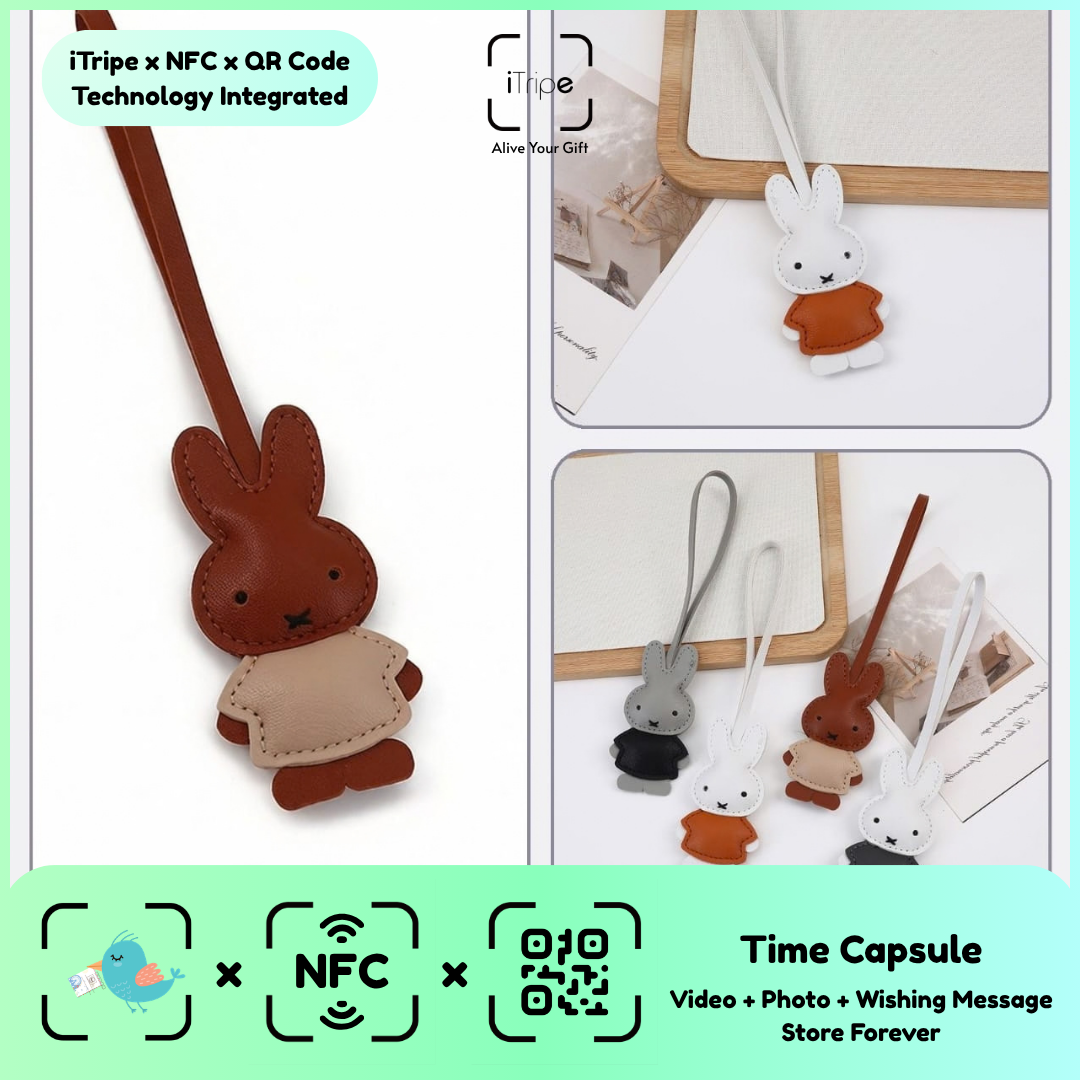
When preparing several iTripe gifts, each physical item needs to stay connected with its intended recipient and content. A clear working order can prevent a correct message from being assigned to the wrong gift.
What to do
Keep one item in front of you, prepare its final files and review the displayed details before completing that activation. Move to the next item only when you know the first outcome. Use private notes to track progress.
A practical example
Keep separate folders for each recipient's approved photo, video and message.
Before you continue
Do not assume identical designs use the same QR link or unlock code. Follow the instructions belonging to each item.
Use the current instructions for your gift
Keep the physical gift and your prepared content together while you work. Follow the prompts shown for the item you are using, and pause if the outcome of a step is unclear. Save your original message and media separately so you can identify exactly what you intended to use.
For current instructions and official support links, visit the iTripe FAQ. This guide focuses on preparation and use; the live form provides the available options and requirements for your gift.

