Start Your iTripe Gift from Its QR Code or NFC Tag
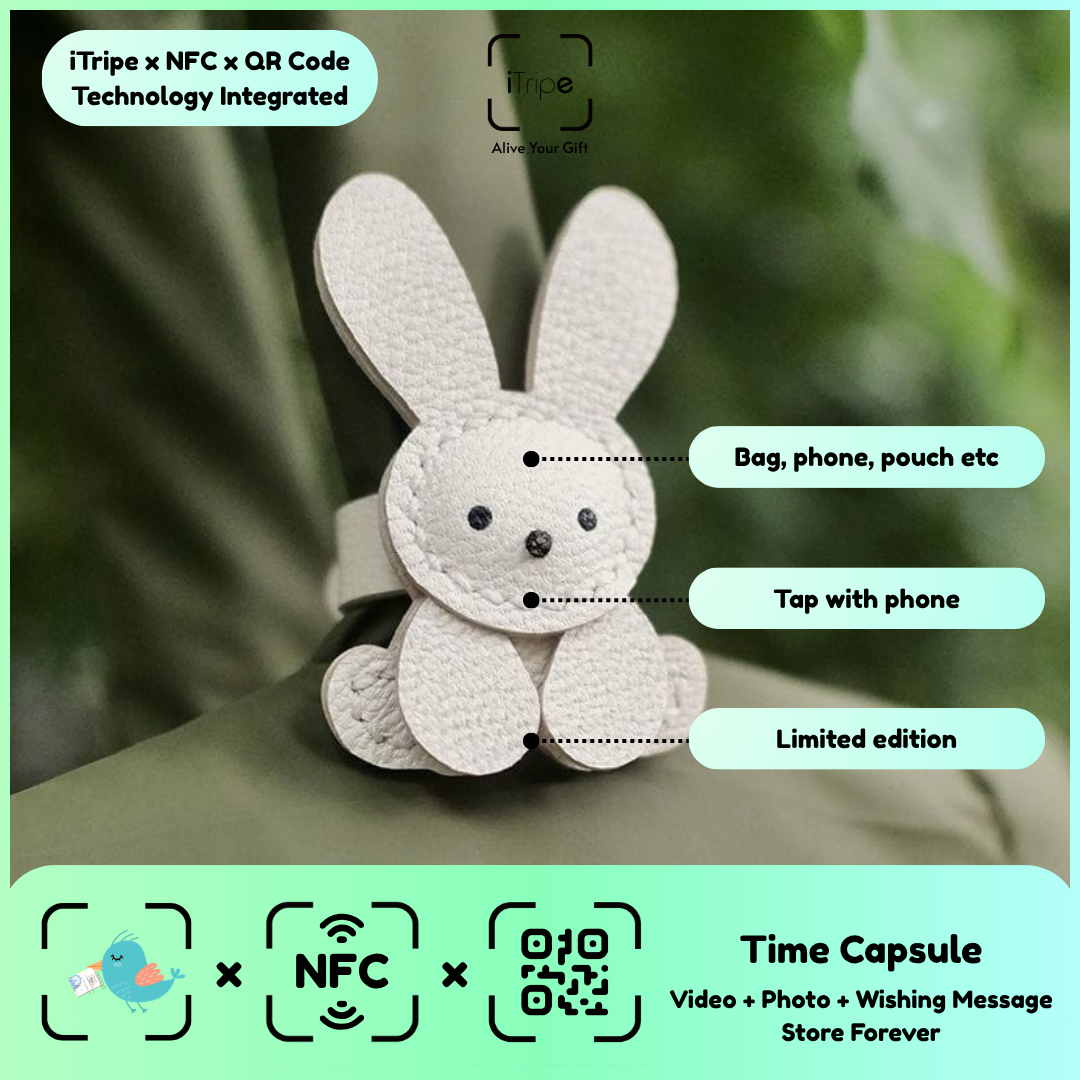
The physical iTripe gift is the starting point for preparing its digital memory. Open the gift's own QR or NFC link, then follow the instructions shown for that item. This helps you begin with the correct gift rather than an unrelated page.
What to do
Have your message and selected media ready before you start. Place the gift where its code is clearly visible and give the page time to load. Read each prompt before continuing so you understand which details are being requested.
A practical example
Prepare the words and files first, then begin the guided process from the tag on the gift.
Before you continue
Keep the gift and its activation information under your control while you prepare it. Use the official FAQ if a step is unclear.
Use the current instructions for your gift
Keep the physical gift and your prepared content together while you work. Follow the prompts shown for the item you are using, and pause if the outcome of a step is unclear. Save your original message and media separately so you can identify exactly what you intended to use.
For current instructions and official support links, visit the iTripe FAQ. This guide focuses on preparation and use; the live form provides the available options and requirements for your gift.

