Why Content Review Matters Before iTripe Activation
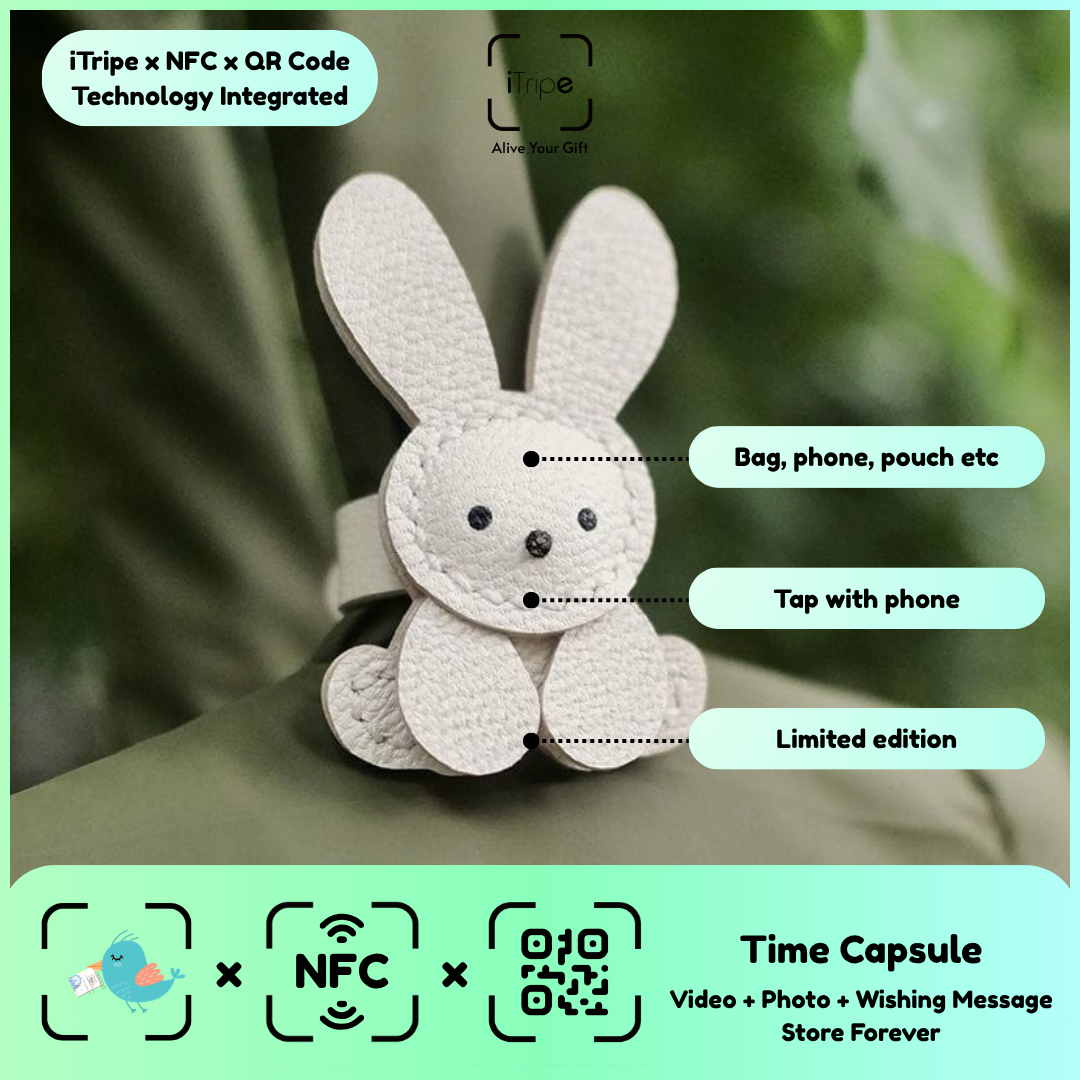
The iTripe FAQ states that content cannot be changed after activation. That makes preparation and review especially important. Treat the final confirmation as the point at which your selected story needs to be ready.
What to do
Keep drafts outside the activation form while you work on the wording. Review the finished files and details, then proceed when they reflect what you want the recipient to see. If something is unclear, consult the FAQ before confirming.
A practical example
Read a final message again after a short pause; small errors are often easier to notice with fresh eyes.
Before you continue
If you discover a problem after activation, contact support to explain it. Do not assume a reset or edit will be available.
Use the current instructions for your gift
Keep the physical gift and your prepared content together while you work. Follow the prompts shown for the item you are using, and pause if the outcome of a step is unclear. Save your original message and media separately so you can identify exactly what you intended to use.
For current instructions and official support links, visit the iTripe FAQ. This guide focuses on preparation and use; the live form provides the available options and requirements for your gift.

